The Best Parental Control App for Android & iPhone in 2026
The best overall parental control tool for monitoring all activities. View text messages, track GPS location, find out who they’re calling & meeting, monitor conversations, manage their online activity, and much more!
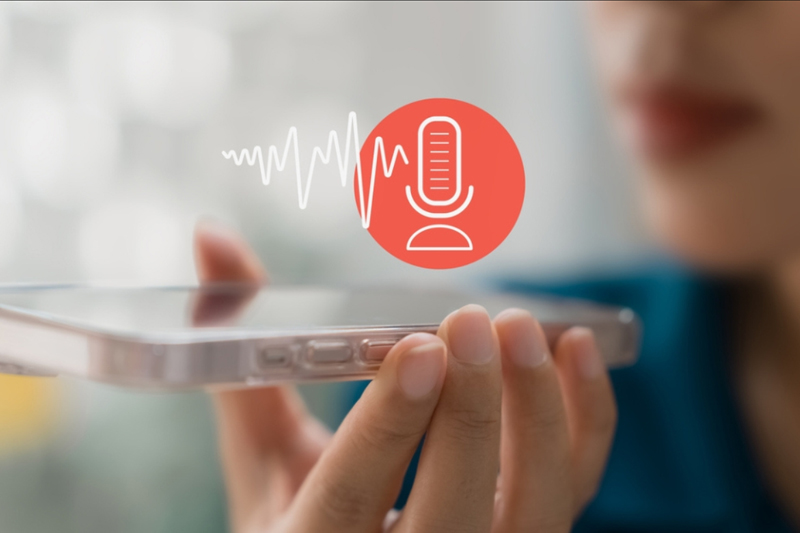
Call and Surround Recording
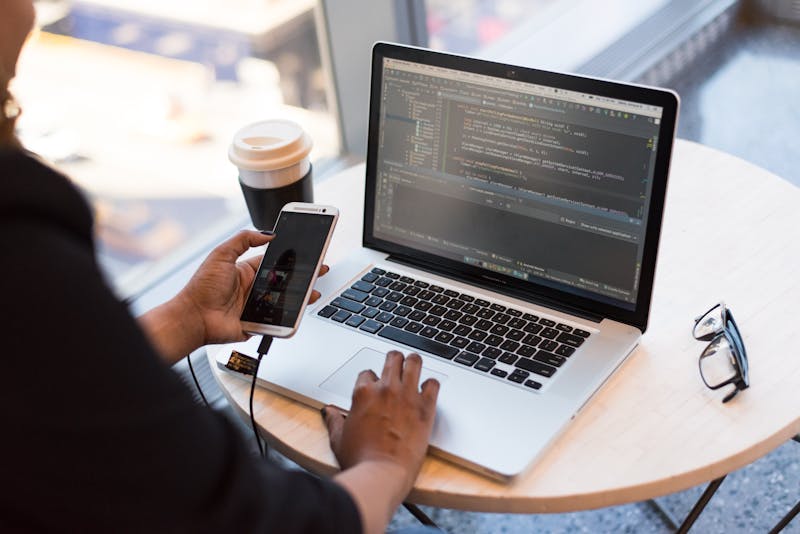
Monitor 13+ Different Social Media Apps

GPS Location Tracking
Featured In
WIRED
CNN
GIZMODO
engadge
PLAYBOY
BBC
Lifehacker
Forbes
What we do
Using parental tool in 2026 feels a bit like hiring a digital detective — one that never sleeps, doesn’t ask for coffee breaks, and fits right in your pocket. Between secret chats, vanishing messages, and phones that rarely leave people’s hands, it’s no wonder people are turning to tech to stay one step ahead.
Using parental tool in 2026 feels a bit like hiring a digital detective — one that never sleeps, doesn’t ask for coffee breaks, and fits right in your pocket. Between secret chats, vanishing messages, and phones that rarely leave people’s hands, it’s no wonder people are turning to tech to stay one step ahead.

SMS and Calls Monitoring
You can monitor all incoming and outgoing text messages and call details. Sender and recipient phone numbers are automatically mapped to contacts saved on the phone.

Location Tracking
Track their daily routes 24/7, view addresses, stops, and stay durations at each location, with a full detailed history available for hot phones, including iPhone 18 Pro Max, iPhone Duo, Galaxy S26, etc.

Monitor Chat Messengers
You can remotely monitor Facebook Messenger, Snapchat, WhatsApp, Skype, TikTok, Viber, WeChat, KIK, Tinder, Line, Instagram, and Google Chat running on the target phone.

Keylogging
Track Every Tap for Total Protection. The best keylogger for Android and iPhone registers all keys pressed on the keyboard of the target smartphone or tablet.

Record Screen
Whatever they’re doing on WhatsApp, Snapchat, Instagram, Facebook Messenger, Telegram, and Skype, you’ll know about it, just by logging in to your Parental Control Panel.

Call Recording
Top app to record phone calls. Records all calls made to and from the target cell phone and uploads them to your online account, so you can listen to them at your convenience.

Email Logging
Our email monitoring app lets you view all sent and received emails from the target device, including timestamps and full message history.

Manage Internet Activity
Follow your child’s internet surfing to know what they are searching for, what interests them, and what content they consume. Ensure your child’s online safety.

Photos & videos
Our Media Monitoring feature lets you view all images, videos, and audio files that have been sent, received, saved, or deleted on the target device.

100% safe
Encrypted. Securely stored. Fully protected. Accessible only through your private account—and only by you.

24/7 support
Our support team is here for you 24/7. Reach out anytime—we’ll help you find the answer, set things up, and get the most out of your experience.

Real-time updates
Watch contact changes in real time. New contacts, edited numbers, and deleted entries—all appear instantly in your Control Panel.
Our Process
How we work
3 Easy Steps to Get Started. It’s Really That Easy.
01
Sign Up for Free
Enter your email and password to register for a free monitoring account.
02
Set Up
Follow the on-screen instructions and set up the best parental control app.
03
Start Monitoring
Access the app control panel to start monitoring the target device’s data.
Pricing
Plans that scale with you
Choose Your Plan To Start Monitoring
1 month
See what’s happening
to your child right now
$57.13/mo*
$39.99 /mo
3 months
Keep an eye on your
child’s life
$28.56/mo*
$19.99 /mo
6 months
Ensure your family’s
peace of mind
$22.84/mo*
$15.99 /mo
Tips & Tricks
Want to know what your kids or partner are doing on their phone? Our app can help.
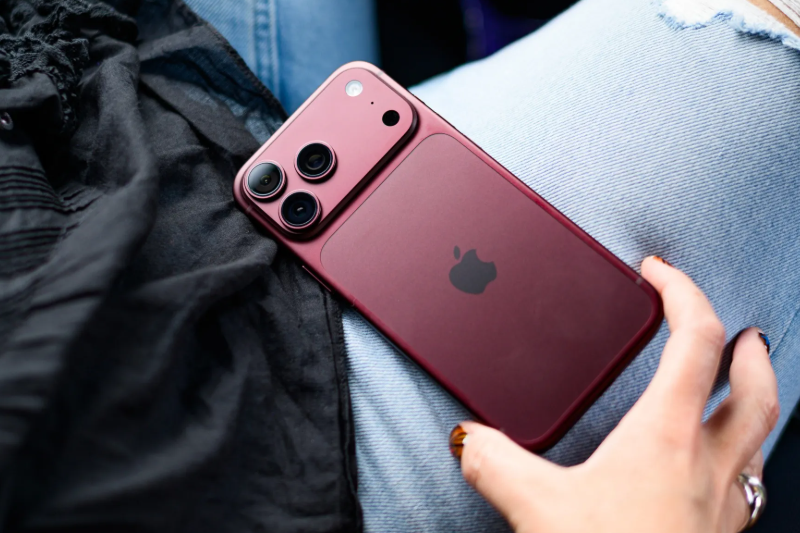
Best Parental Control App for iPhone
We tested 40+ Parental Control Apps in 2026. Compare features, pricing, privacy risks & find the best parental control or tracking app for your needs.
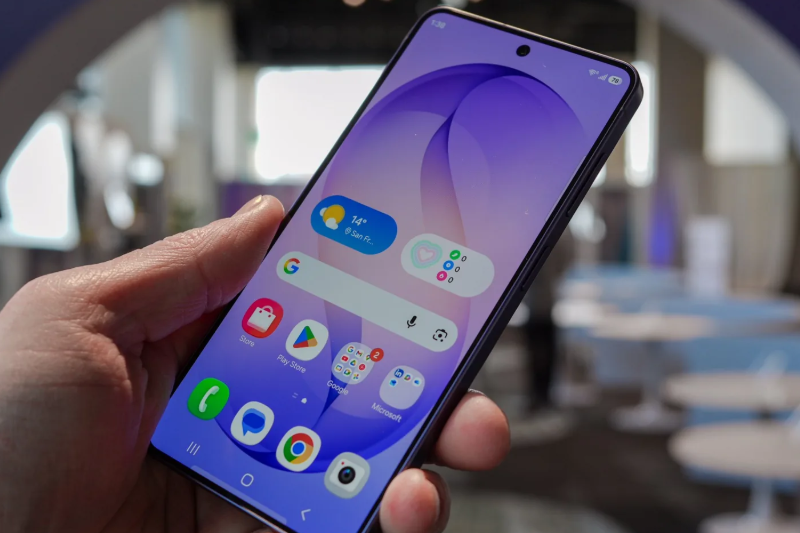
Top Monitoring App for Android Phones
Best hidden Android parental control? mSpy runs invisibly, tracks all activity, and keeps your child safe. No icon, no notification. Try it today.
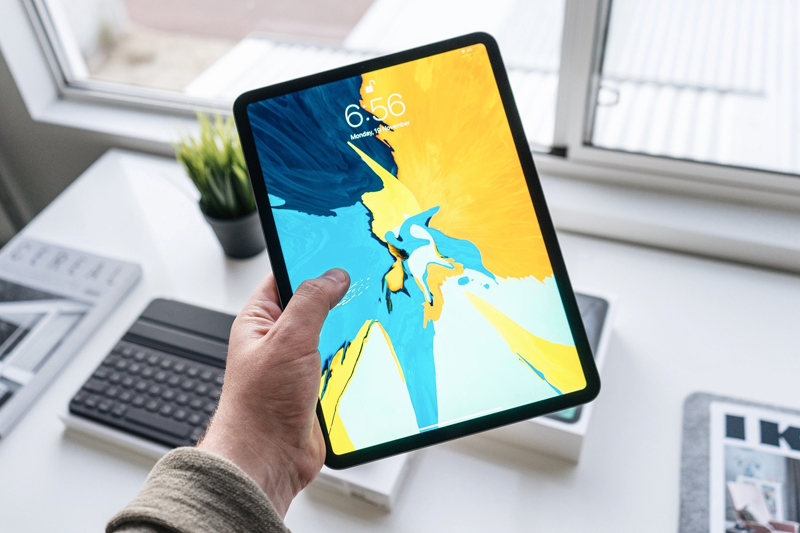
Parental Control App for Tablet
The best free parental control apps for iPad and Android tablets. Set screen time limits, block apps, and filter content without spending a dime. Get started with Apple Screen Time, Google Family Link and other hot parental control apps.
150+
150 Millions Users
98%
Client Satisfaction
16
Years Experience
14
Days Refund Guarantee
What our clients say
Excerpts from real reviews
“
Last month, a teenager went missing in my community, and I was shocked. I didn’t hesitate to buy this software and install it on my son’s phone. I can clearly see his whereabouts after school. Plus, checking his chat logs helps me understand what’s on his mind. Now I can finally feel at ease.
“
My father has mild Alzheimer’s and is lucid most of the time. With your tracking app, I don’t have to worry too much when he goes out occasionally, because I can quickly pinpoint his location. If he accidentally loses his phone, I can easily retrieve it. It’s great.
“
After a news report about girls lured into prostitution by older men on Facebook, I worried about my three teenage daughters. I couldn’t monitor them without breaking their trust—until mSpy. Now I know where they’ve been and who they talk to online, and I rest easier knowing I can protect them.
Frequently asked questions
Do you offer Money Back Guarantee?
Yes, the parental control app I shared offers at least a 14-day money-back guarantee.
How many devices can I install your app on to?
You can only install our tool on to one device per license purchase. However, you can deactivate and move that license to another device as many times as you want during your subscription. I will also share some apps that can monitor multiple devices simultaneously.
What devices are compatible with your monitoring app?
Our parental safety app runs perfectly well on both Android and iOS devices. You can monitor your child’s device, such as iPhone 18 Pro Max, iPhone Duo, Galaxy S26 Ultra, Motorola Edge, Xiaomi 15 Ultra, OnePlus 15, etc.
Do I need to jailbreak the iPhone?
No, it doesn’t require the target iPhone to be jailbroken. You can install the parental control app using Wi-Fi or iCloud Sync.
Is your monitoring app hidden on phone?
Yeah. During installation, you can choose hidden mode so that no icon will appear on the phone’s interface.
Is your parental control app installed on the SIM card of the phone?
No, it is installed on the internal memory of the phone and works independent of the SIM card.
Powerful Parental Monitoring Solution.
If you are a parent or guardian responsible for a minor child, you have a duty to know.